12 Best Landscape Design Software for Homeowners in 2025
Visualizing your dream backyard, from a custom pool and patio in Center Valley to an elegant outdoor kitchen in Allentown, can be challenging. Translating those ideas into a concrete plan is the crucial first step before any ground is broken. This is where the right landscape design software for homeowners becomes an invaluable tool, empowering you to bring your vision to life on screen before committing to construction.
This guide helps you navigate the best available platforms. We've compiled a list of the top software options to provide a practical analysis. You’ll find a breakdown of each tool’s features, pros and cons, and ideal use cases for homeowners in the Lehigh Valley.
Whether you're planning an expansive entertaining area or a cozy fire pit feature, our review will help you select the software that best fits your project's scale and your technical comfort level. This clarity is essential for creating a clear blueprint for your perfect outdoor living space.
1. Punch! Landscape Design Software
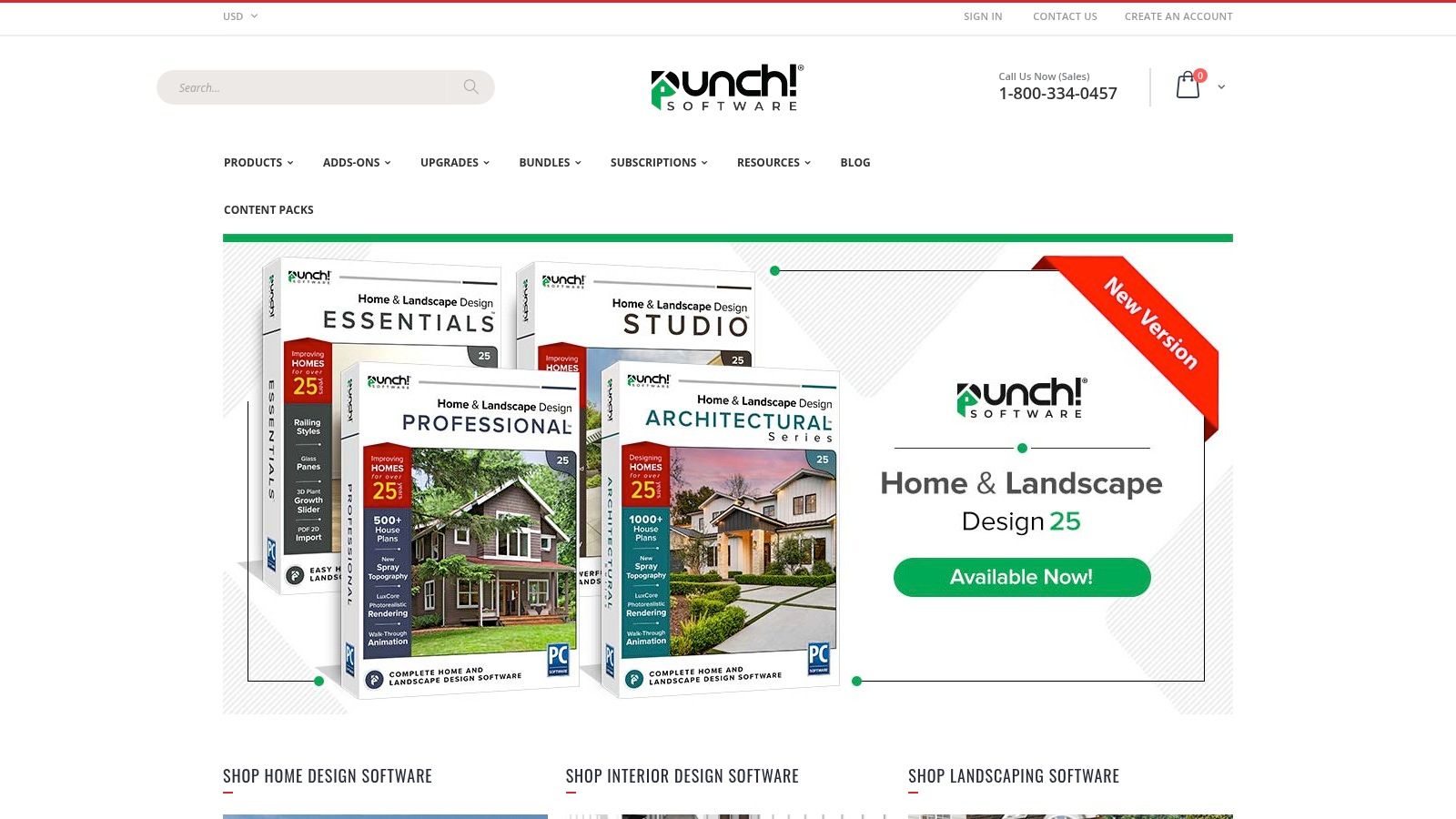
Punch! Landscape Design Software is a robust tool that bridges the gap between simple free apps and professional-grade programs. It’s an ideal choice for homeowners in the Lehigh Valley who want to visualize their new patio or outdoor kitchen before committing to a final plan. The software empowers you to create highly detailed 2D and 3D models of your property.
This platform stands out for its growth simulation feature, which shows how your plant selections will mature over time. Its drag-and-drop interface makes it one of the more accessible yet powerful landscape design software for homeowners.
Key Features and Pricing
- Design Tools: Create detailed 2D plans and realistic 3D renderings with tools for terrain sculpting, custom decking, and outdoor kitchen design.
- Plant Library: Access an extensive library of over 4,000 plants, trees, and shrubs, complete with growth details and climate zone information.
- Pricing: Punch! is a one-time purchase software. Versions range from approximately $59.99 for basic editions to over $199.99 for more advanced professional versions.
- Pros: User-friendly for complex projects; powerful visualization tools.
- Cons: The more advanced versions come with a steeper price tag and learning curve.
While powerful for visualization, this software is a planning tool. For expert execution and craftsmanship in areas like Allentown or Coopersburg, partnering with a design-build firm like Kennedy Design + Build ensures your vision becomes a high-quality, functional reality.
Website: https://www.punchsoftware.com/
2. Idea Spectrum Realtime Landscaping Plus
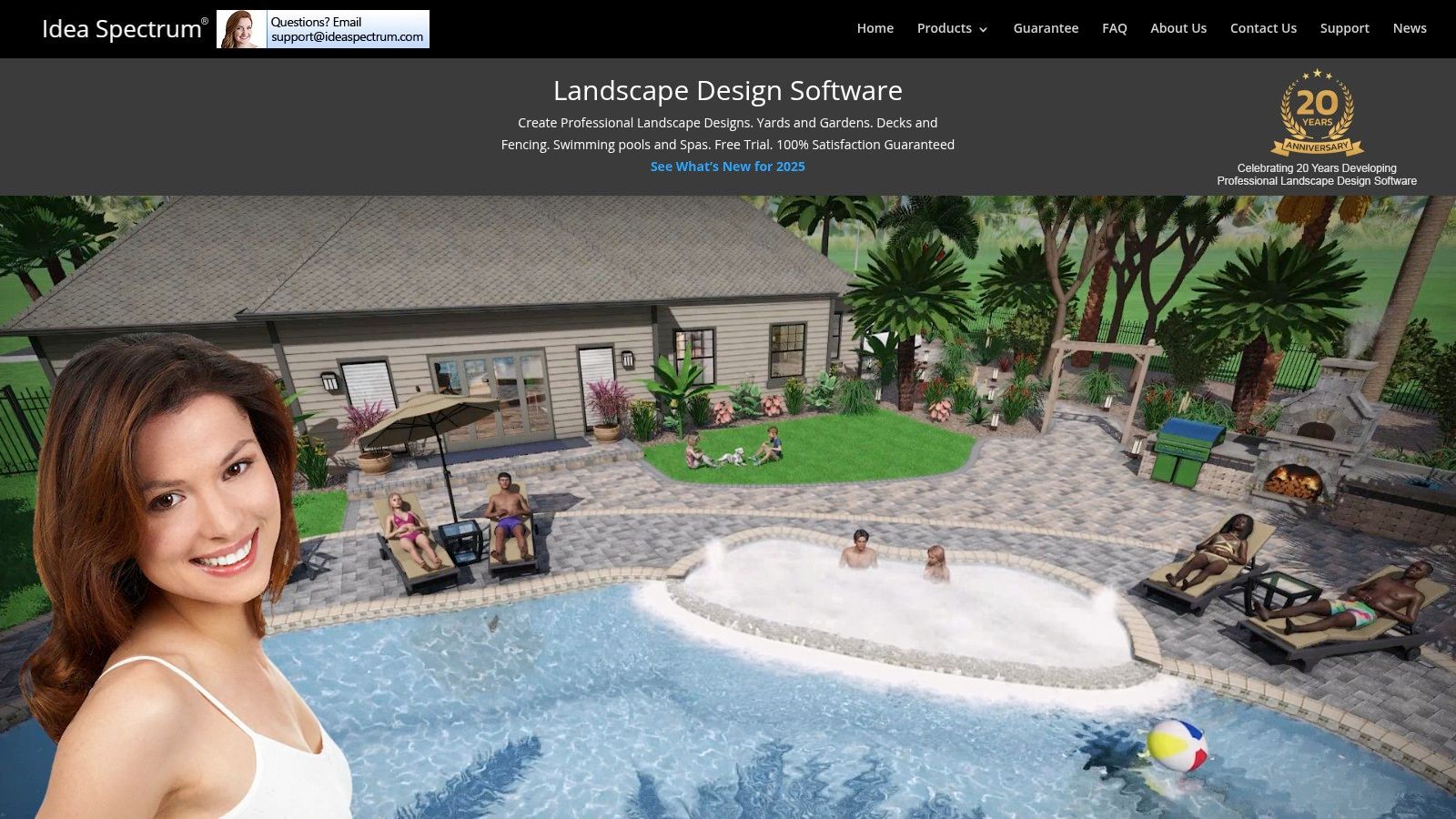
Idea Spectrum's Realtime Landscaping Plus offers an intuitive platform for homeowners aiming for photorealistic 3D visualizations. This software is excellent for those in the Center Valley area who want to experiment with detailed hardscape layouts or water features. It excels at bringing a design to life in real-time, allowing you to walk through your virtual yard.
What sets this platform apart is its massive library of high-resolution plants and hardscape objects. This makes it one of the best landscape design software for homeowners who prioritize realism in their planning phase. The drag-and-drop functionality, combined with powerful 3D rendering, provides a detailed design experience.
Key Features and Pricing
- Design Tools: Create designs with a walk-through 3D view, sculpt terrain for hills or slopes, and add custom water features like ponds and waterfalls.
- Plant Library: Features an extensive library of over 5,300 plants, including trees, shrubs, and flowers, all with detailed growth information.
- Pricing: The software is available as a one-time purchase. The "Plus" version typically retails for around $79.95.
- Pros: Very realistic visualization and a vast library of design elements.
- Cons: It is currently only available for Windows operating systems.
This tool is fantastic for initial concept development. However, turning a beautiful rendering into a durable outdoor living space requires the expertise of a professional firm. Kennedy Design + Build can translate your ideas into a masterfully crafted reality.
Website: https://www.ideaspectrum.com/
3. Garden Planner by Small Blue Printer
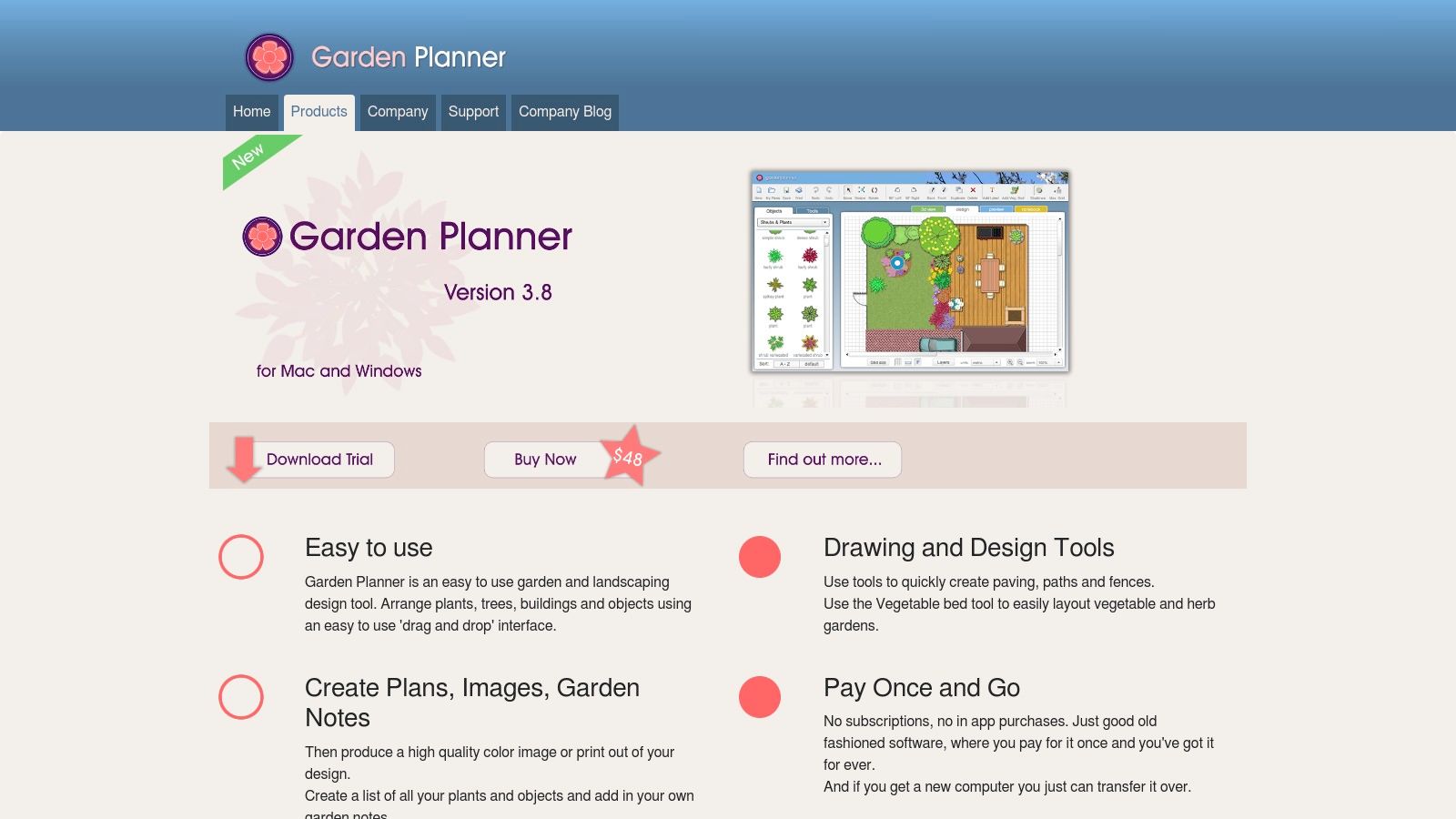
For homeowners who prioritize simplicity and function, especially for planting-centric projects, Garden Planner is a fantastic, straightforward tool. It's designed for those who want to quickly lay out their planting beds and pathways without the complexity of 3D modeling. This software is excellent for planning the softscape aspects of your landscape design in the Lehigh Valley.
Its main strength is its vegetable patch builder, which allows you to easily plan layouts. This feature, combined with its simple drag-and-drop interface, makes it one of the most accessible landscape design software for homeowners focused specifically on planting design.
Key Features and Pricing
- Design Tools: Easy-to-use drag-and-drop interface with drawing tools for paving, paths, and fences.
- Plant Library: Includes a library of over 1,200 customizable plant and object symbols.
- Pricing: Garden Planner offers a one-time purchase for around $38. A free, limited-feature trial version is also available.
- Pros: Very affordable and incredibly easy for beginners to learn and use.
- Cons: Limited to 2D design only and lacks the advanced hardscaping features of more robust programs.
Garden Planner is perfect for mapping out planting ideas. When you're ready to integrate those plans with sophisticated hardscape elements like a custom patio or retaining walls, similar to this backyard retreat in Center Valley, a professional design-build team can merge your vision into a cohesive outdoor space.
Website: https://www.smallblueprinter.com/garden/
4. Gardena MyGarden
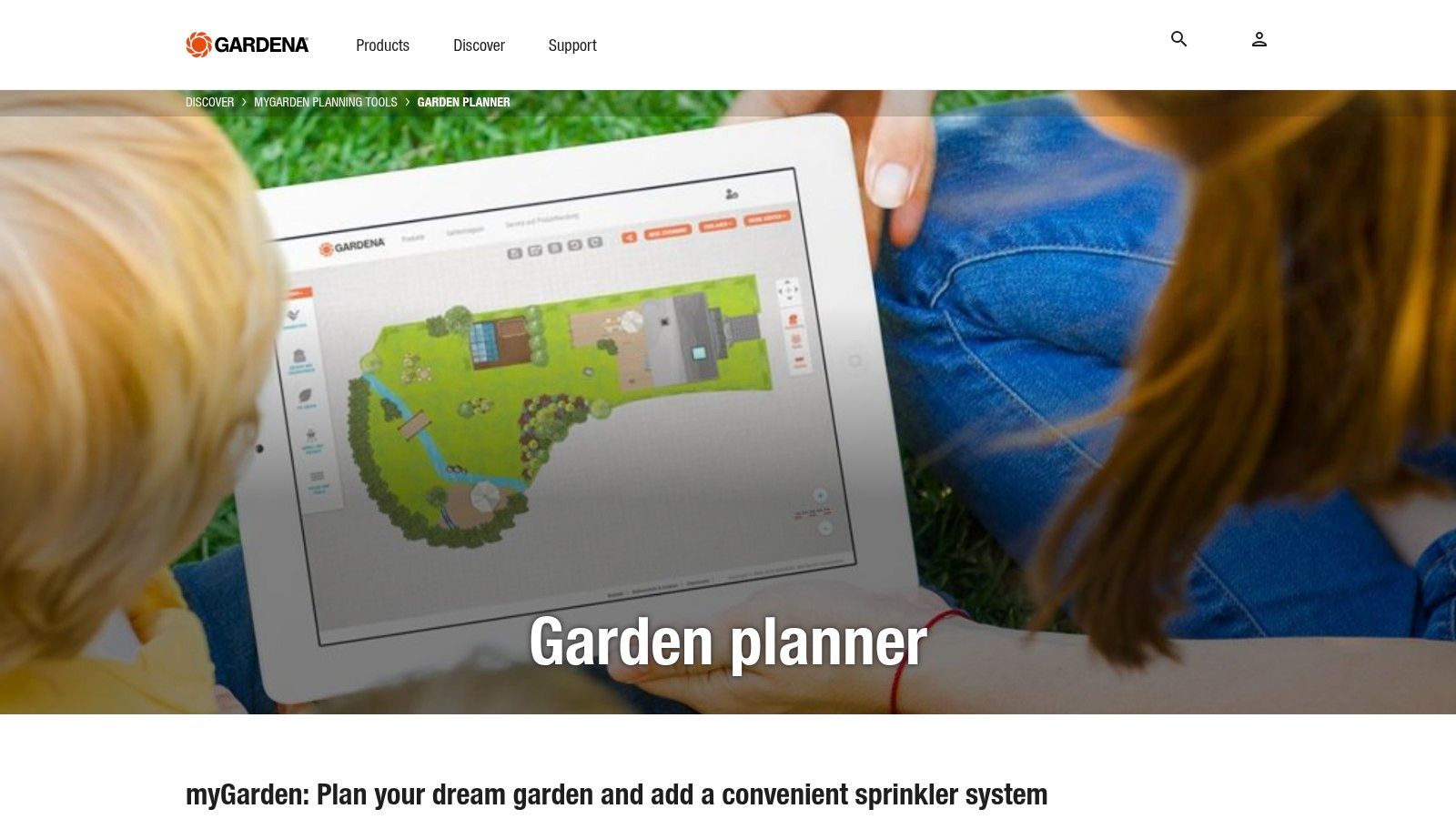
For homeowners looking for a straightforward, no-cost planning tool, Gardena MyGarden is an excellent starting point. This free, web-based platform is perfect for sketching out basic layouts, such as arranging new flower beds or visualizing where a new path might go. Its simplicity makes it one of the most accessible landscape design software options for beginners.
The platform is especially useful for its integration with Gardena's irrigation products. This allows you to plan the visual layout and map out a corresponding sprinkler system. This feature helps ensure your new garden design in the Lehigh Valley will be well-supported.
Key Features and Pricing
- Design Tools: Features a simple drag-and-drop interface, customizable plot shapes, and an integrated sprinkler system planner.
- Plant Library: Offers a basic library of plants, pavers, and garden furniture to create a simple 2D sketch of your yard.
- Pricing: Gardena MyGarden is completely free to use directly in your web browser.
- Pros: Entirely free and extremely user-friendly for beginners.
- Cons: Limited 2D-only design capabilities and a smaller item library compared to paid software. It does not include hardscape design.
While Gardena is great for initial brainstorming, it lacks the tools for detailed hardscape or structural design. For complex projects like a custom patio or outdoor kitchen in Center Valley, partnering with a professional firm like Kennedy Design + Build is essential to translate your simple sketch into a sophisticated, well-crafted outdoor living space.
Website: https://www.gardena.com/int/my-garden
5. Chief Architect Home Designer Suite
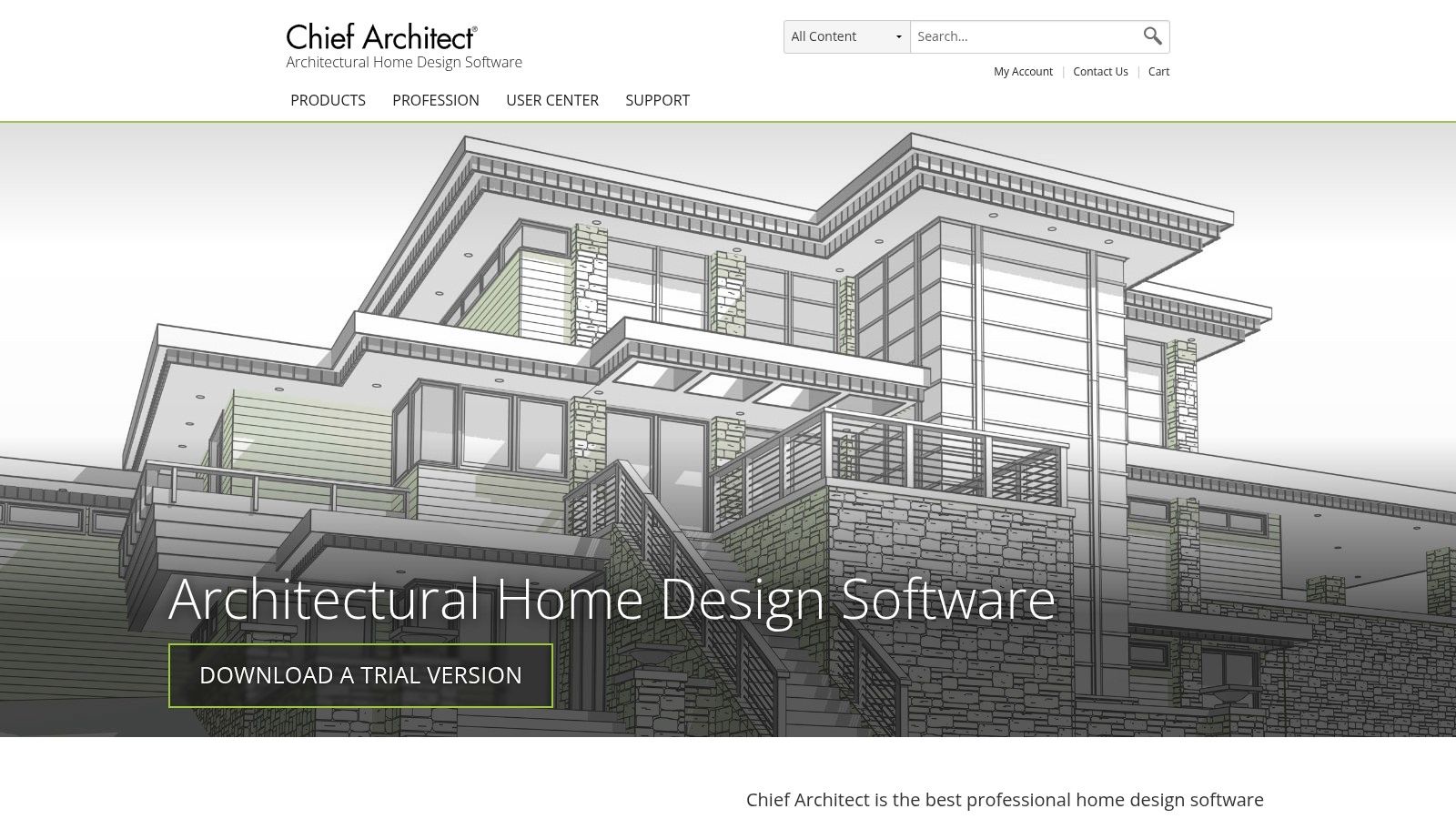
Chief Architect Home Designer Suite is a powerful tool for homeowners who envision a complete property transformation. It offers advanced features that go beyond simple layouts, making it an excellent choice for detailed projects like planning a new deck or visualizing the entire backyard of your Lehigh Valley home. This software provides the precision needed for complex designs.
This platform's strength lies in its advanced 3D visualization and virtual tour capabilities. These features allow you to walk through your designed space virtually, offering a realistic sense of scale and flow. It is one of the most detailed landscape design software for homeowners who want to ensure every element is perfect before breaking ground.
Key Features and Pricing
- Design Tools: Features robust tools for creating detailed 2D plans and immersive 3D walkthroughs, including advanced terrain and topography modeling.
- Plant and Material Libraries: Access to extensive libraries of plants, hardscape materials, and outdoor furnishings to create a realistic model of your vision.
- Pricing: Home Designer Suite is available as a one-time purchase, typically priced around $129.
- Pros: Generates highly detailed and realistic renderings; suitable for ambitious DIYers.
- Cons: The software has a steeper learning curve compared to simpler apps and comes with a higher price point.
While this software is exceptional for detailed planning, bringing a sophisticated vision to life requires professional execution. For complex projects, such as integrating custom outdoor kitchens into your Coopersburg or Allentown property, partnering with a firm like Kennedy Design + Build ensures a flawless result.
Website: https://www.chiefarchitect.com/
6. Trimble SketchUp
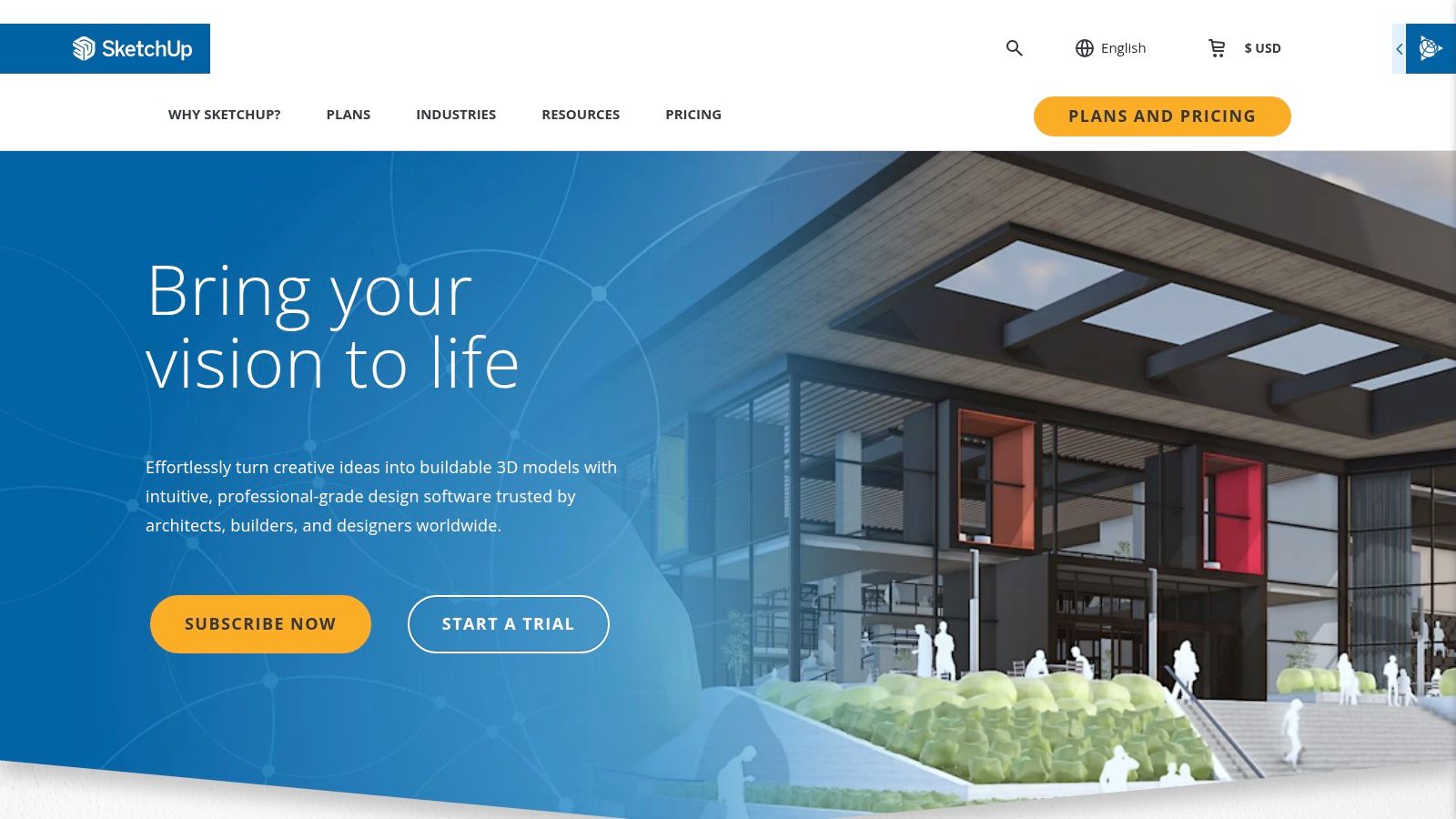
Trimble SketchUp is a powerful 3D modeling software that goes beyond basic landscape design. Its robust tools make it a top choice for Lehigh Valley homeowners who want complete creative control over their outdoor living space design. Its flexibility allows you to model custom pergolas, intricate stonework, or even the entire house alongside your landscape.
What makes SketchUp stand out is its massive 3D Warehouse, a library of millions of user-generated models. This means you can easily find and import everything from specific patio furniture sets to pre-made plant models. It's an excellent piece of landscape design software for homeowners who are detail-oriented and enjoy a hands-on design process.
Key Features and Pricing
- Design Tools: Offers extensive 3D modeling tools for creating detailed and fully custom designs of any complexity.
- Plant Library: While there's no built-in library, the 3D Warehouse provides access to an endless supply of plant, tree, and hardscape models.
- Pricing: SketchUp offers a free, browser-based version for basic use. Paid plans with more advanced features start at around $119 per year.
- Pros: Highly customizable and flexible; accessible free version for beginners.
- Cons: The most powerful features require a paid subscription and have a significant learning curve.
SketchUp is fantastic for drafting ideas, but bringing a complex 3D model to life requires professional skill. For homeowners in Center Valley or the greater Lehigh Valley, a design-build firm like Kennedy Design + Build can translate your SketchUp model into a structurally sound and beautifully crafted outdoor reality.
Website: https://www.sketchup.com/
7. PRO Landscape Home
PRO Landscape Home offers a unique, photo-first approach to landscape design, making it a fantastic tool for homeowners who struggle to visualize changes. This mobile app allows you to take a picture of your yard and directly overlay new plants, pavers, and other features onto the image. This method provides an immediate, realistic preview.
What sets this platform apart is its photo imaging technology. Instead of building a 3D model from scratch, you work with a real image of your Lehigh Valley property. This makes it one of the most intuitive landscape design software for homeowners who want a quick and effective way to experiment with different ideas.
Key Features and Pricing
- Design Tools: Utilizes photo imaging to create designs. Users can add plants, mulch, grass, hardscapes, and even night lighting directly onto a photo of their property.
- Plant Library: Includes an extensive object library with thousands of photos of plants organized by climate zone, along with hardscapes and water features.
- Pricing: PRO Landscape Home is available for a one-time purchase of $14.99 on mobile app stores.
- Pros: Extremely user-friendly; realistic visualization on actual property photos.
- Cons: Limited to 2D photo editing and only available on mobile devices; lacks advanced 3D modeling.
This app is excellent for generating initial concepts and sharing your vision. When you're ready to move from a photo mockup to a detailed construction plan in areas like Center Valley, the experts at Kennedy Design + Build can translate your ideas into a fully realized, professional design.
Website: https://prolandscape.com/products/home/
8. iScape
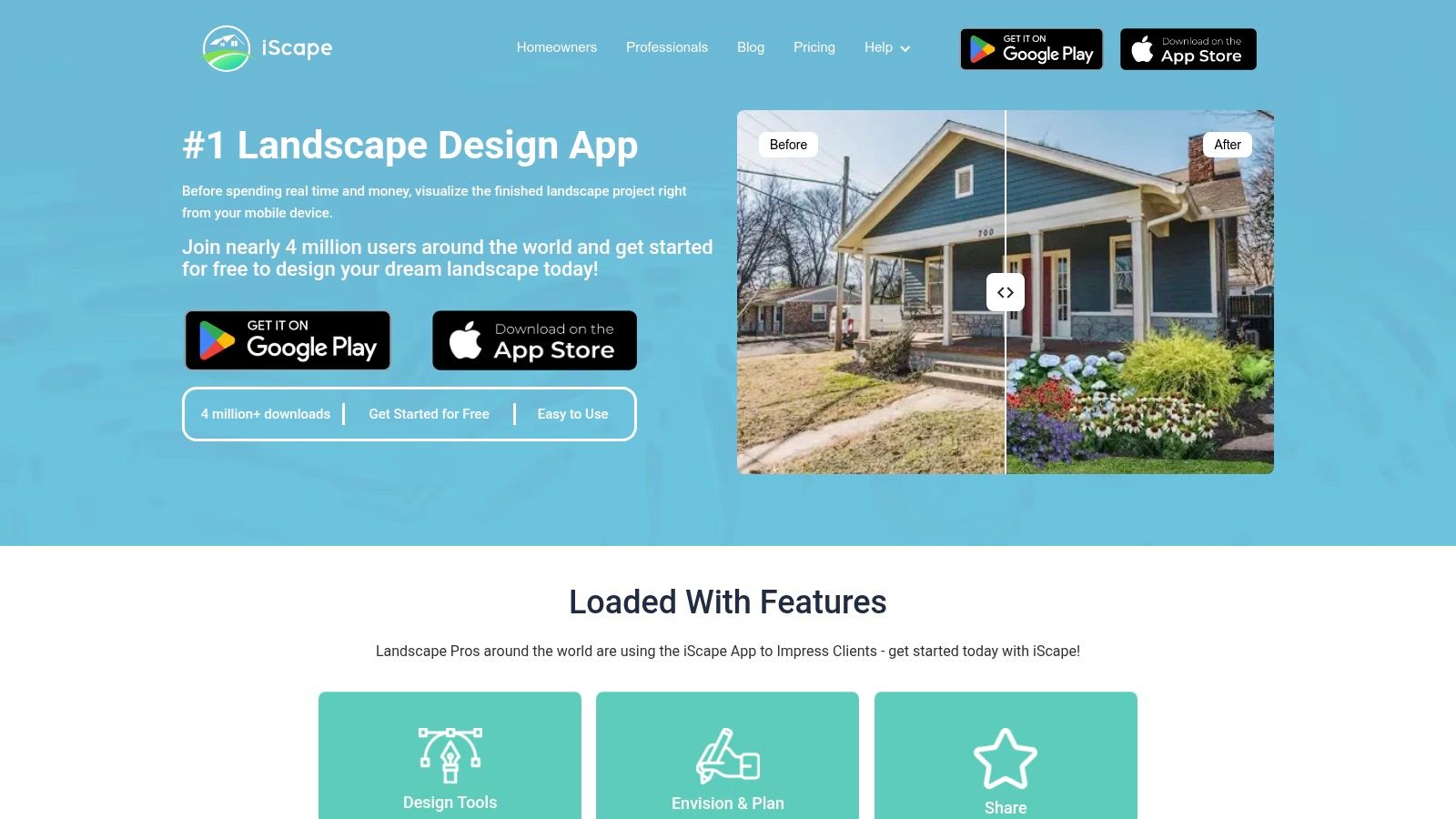
For homeowners who want to see their ideas come to life instantly, iScape is a powerful mobile app that uses augmented reality (AR). It allows you to overlay virtual plants, pavers, and other landscape elements directly onto a view of your actual yard using your phone's camera. This makes it one of the most intuitive landscape design software for homeowners who prefer a visual, on-the-spot approach.
The platform’s greatest strength is its augmented reality visualization. Instead of guessing how a new garden bed or walkway will look, you can see it in real-time. This feature is especially useful for quick planning and sharing concepts with a professional designer.
Key Features and Pricing
- Design Tools: Utilizes augmented reality to place 2D and 3D design elements directly onto your property. Includes tools for sharing designs with others.
- Plant Library: A comprehensive library of plants, hardscape materials, water features, and outdoor furniture is available to drag and drop into your design.
- Pricing: iScape offers a free version with limited features. The Pro subscription, which unlocks the full library, is available for a monthly or yearly fee (approximately $29.99/month).
- Pros: Very easy to use, especially for beginners; AR feature is excellent for quick visualization.
- Cons: Only available on iOS devices; full functionality requires a recurring subscription.
While iScape is great for initial brainstorming and visualizing elements like outdoor lighting and audio, a professional design-build team is essential to handle the technical aspects and ensure a cohesive, high-quality installation in your Lehigh Valley home.
Website: https://www.iscapeit.com/
9. SmartDraw
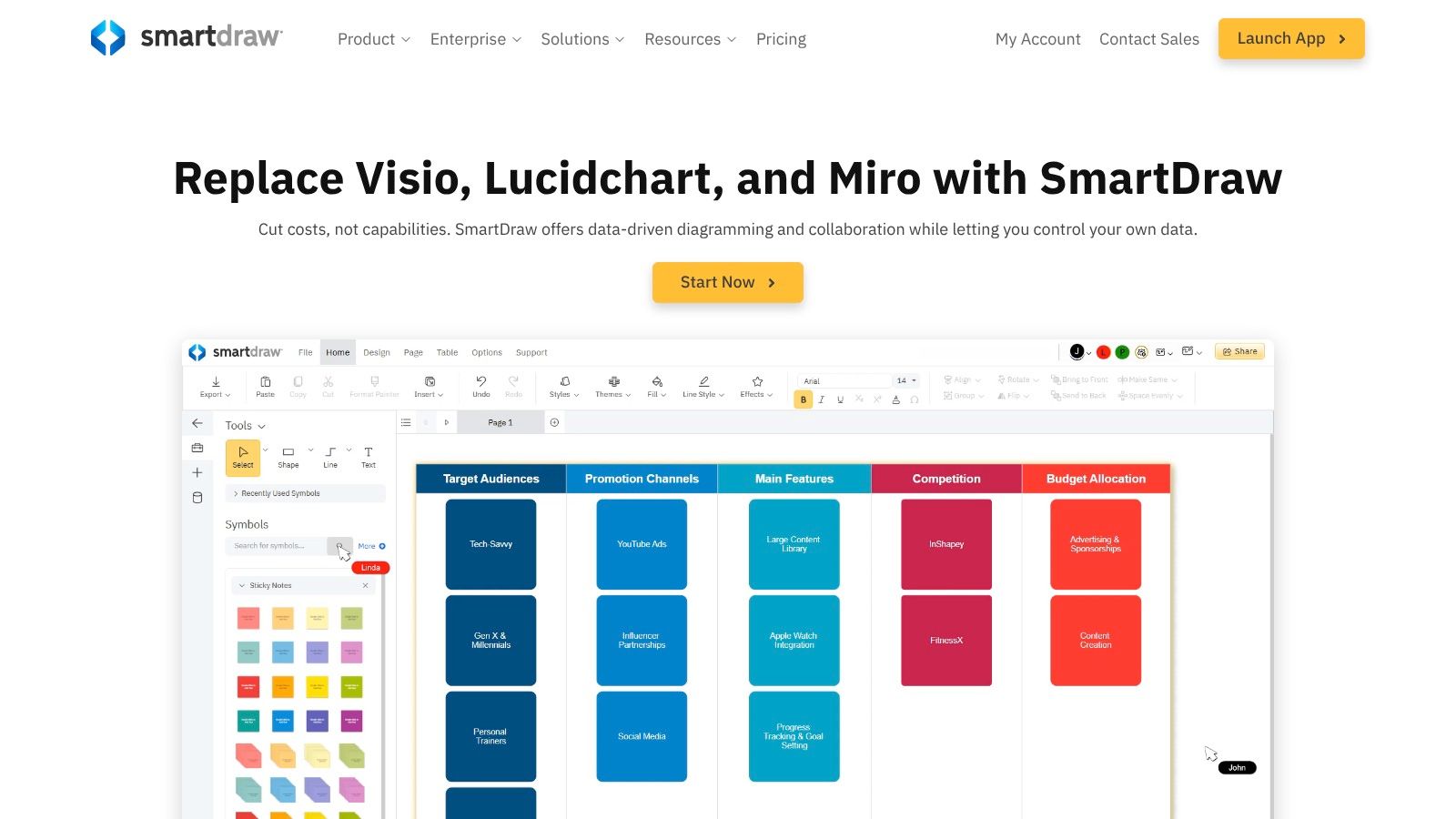
SmartDraw shifts the focus from intricate 3D modeling to creating clear, professional-grade 2D diagrams and plans. It is an excellent choice for Lehigh Valley homeowners who prioritize precise layouts for their patios, decks, or outdoor kitchens. The platform functions more like a high-powered diagramming tool than a traditional design suite.
Its primary strength lies in its vast template and symbol library, which simplifies the process of creating detailed, to-scale plans. Instead of freehand drawing, you use pre-made shapes and objects, making it an effective 2D landscape design software for homeowners who need a functional blueprint over a photorealistic rendering.
Key Features and Pricing
- Design Tools: Smart formatting for easy alignment and spacing, with thousands of symbols for plants, hardscaping, and outdoor furniture.
- Plant Library: Extensive library of vector-based symbols for trees, shrubs, and flowers that can be easily dragged and dropped into your plan.
- Pricing: SmartDraw offers a free trial. A full license for a single user is a one-time purchase of $297, or you can opt for an online version starting at $9.95 per month.
- Pros: Very user-friendly interface; great for creating clean, technical 2D plans.
- Cons: No 3D visualization capabilities; exporting designs requires a paid subscription.
SmartDraw is ideal for mapping out the "bones" of your project. When you're ready to bring that meticulously planned layout to life in Coopersburg or Center Valley, a professional firm like Kennedy Design + Build can translate your 2D vision into a stunning, three-dimensional outdoor living space.
Website: https://www.smartdraw.com/
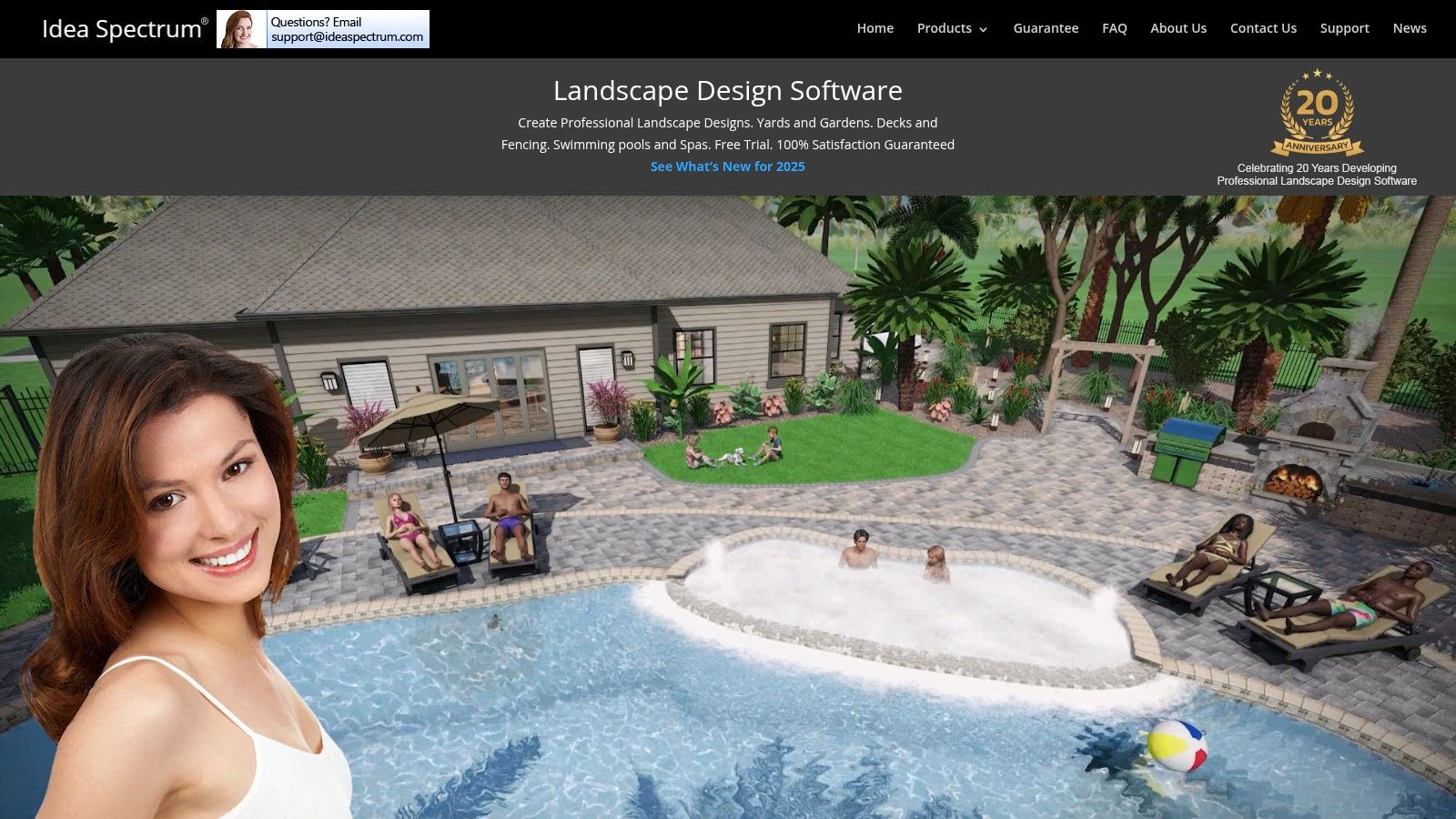
10. Realtime Landscaping Pro by Idea Spectrum
Realtime Landscaping Pro is a powerful, dedicated software that excels at creating detailed and photorealistic 3D models. It’s an excellent choice for homeowners in the Lehigh Valley who have a clear vision for a complex project, such as a multi-level patio or a custom pool. The software is particularly strong in its real-time rendering capabilities.
This platform stands out due to its immense library of over 6,000 plants and thousands of other design objects. This vast selection, combined with realistic lighting effects and water features, makes it one of the most effective landscape design software for homeowners aiming for an immersive and accurate visualization.
Key Features and Pricing
- Design Tools: Features real-time 3D walkthroughs, advanced terrain sculpting, and specialized tools for designing pools, ponds, and streams.
- Plant Library: Access a massive collection of over 6,000 high-resolution plants, trees, and shrubs with detailed growth and climate information.
- Pricing: Realtime Landscaping Pro is a one-time purchase, typically priced around $99.95 for the Pro version.
- Pros: Highly realistic 3D renderings; extensive object and plant library.
- Cons: Only available for Windows operating systems, which limits accessibility for Mac users.
The software is fantastic for modeling custom water features. For homeowners in Allentown dreaming of a luxury backyard retreat, you can learn more about custom swimming pools and how a professional firm can turn these detailed plans into a stunning reality.
Website: https://www.ideaspectrum.com/
11. Planner 5D
Planner 5D is a highly accessible, web-based tool that excels at both interior and exterior design, making it a versatile option for homeowners. Its user-friendly interface is perfect for those in the Lehigh Valley looking to quickly sketch out ideas for a new patio layout or outdoor furniture arrangement. You can easily switch between 2D plans and immersive 3D views.
What makes this platform particularly useful is its cross-platform functionality, allowing you to start a design on your desktop and make adjustments on a tablet or phone. This makes it a great piece of landscape design software for homeowners who value flexibility and ease of use.
Key Features and Pricing
- Design Tools: Simple drag-and-drop interface for creating 2D plans and 3D models. Features an "HD Snapshot" function to generate photorealistic images.
- Plant Library: Includes a basic library of outdoor furniture, plants, and accessories. The full catalog is unlocked with a premium subscription.
- Pricing: Offers a limited free version. Premium features are available through subscription plans, typically starting around $9.99/month.
- Pros: Very intuitive and easy to learn; accessible on multiple devices.
- Cons: The free version is quite limited; more advanced landscape features are lacking.
Planner 5D is excellent for initial brainstorming and layout planning. To bring those ideas to life with superior materials and expert installation in areas like Center Valley, a professional design-build team like Kennedy Design + Build is essential.
Website: https://planner5d.com/
12. Virtual Architect Ultimate Home Design with Landscaping & Decks 10.0
Virtual Architect offers a comprehensive suite that integrates full home design capabilities. This makes it a powerful choice for Lehigh Valley homeowners planning larger projects that involve both their house and their yard. It allows for designing everything in one unified environment.
What sets this platform apart is its ability to visualize seasonal changes, showing how sunlight and plant foliage will look in spring versus fall. This feature is crucial for creating a landscape that offers year-round beauty. As a detailed piece of landscape design software for homeowners, it provides a holistic view of your property’s potential.
Key Features and Pricing
- Design Tools: Draft detailed 2D plans, then render them in photorealistic 3D. Create virtual tours to experience the space before breaking ground.
- Plant Library: Features an extensive library of plants, trees, and shrubs, plus tools to visualize their growth over several years.
- Pricing: Virtual Architect is available as a one-time purchase, typically retailing around $99.99.
- Pros: All-in-one home and landscape design; realistic renderings and virtual tours.
- Cons: Can be overwhelming for simple projects; requires a more powerful computer to run smoothly.
While this software is excellent for integrated planning, transforming those detailed designs for patios and decks into a stunning reality requires professional execution. Expert design-build firms ensure the materials and construction quality match the vision you’ve created.
Website: https://www.virtualarchitect.com/
From Digital Plan to Lehigh Valley Reality
Embarking on a landscape design project is an exciting journey. The right digital tools can transform your initial ideas into a concrete, visual plan, ensuring your investment enhances your home's value and your lifestyle. As we've explored, landscape design software for homeowners offers solutions that cater to every skill level and project ambition.
From the user-friendly interface of iScape for quick sketches to the professional power of Chief Architect for detailed 3D modeling, there is a platform suited to bring your vision to life. The key is to match the software's capabilities with your specific project goals and technical comfort.
Once you have a design you love, the next step is translating that digital file into a breathtaking physical space. This is where a partnership with a professional design-build firm becomes invaluable. While software helps you visualize, an expert team ensures that the final construction is durable, beautiful, and executed with impeccable craftsmanship.
Ready to Build Your Dream Outdoor Space?
Transforming your digital concept into a tangible, high-end outdoor environment is what we do best. The team at Kennedy Design + Build specializes in the expert installation of custom patios, outdoor kitchens, pools, and complete living spaces across the Lehigh Valley.
If you're ready to move beyond the screen and bring your sophisticated outdoor vision to life with expert craftsmanship, we're here to help. Schedule your design consultation today and let's start building your dream backyard in Allentown, Coopersburg, Center Valley, or beyond.
Frequently Asked Questions (FAQs)
1. How much does a professional landscape design project cost in the Lehigh Valley?
The cost of a project varies significantly based on scale, materials, and complexity. A simple patio might start in the low five figures, while comprehensive backyard renovations with pools, outdoor kitchens, and extensive hardscaping can represent an investment of $100,000 or more. We provide detailed proposals after an initial design consultation to align with your budget and vision.
2. How long does the design and build process take?
The timeline depends on the project's scope. The design phase can take several weeks as we refine concepts and select materials. Construction timelines can range from a few weeks for a simple patio to several months for a complex, multi-faceted outdoor living space.
3. What types of materials do you use for patios and walkways?
We specialize in high-quality, durable materials ideal for the Lehigh Valley climate. This includes natural stone like bluestone and flagstone, as well as premium concrete pavers from trusted brands like Techo-Bloc and Unilock. We help you select materials that match your home's aesthetic and your functional needs.
4. Can you incorporate features like a fire pit or outdoor kitchen into the design?
Absolutely. We specialize in creating fully integrated outdoor living spaces. We can design and build custom fire pits, fireplaces, outdoor kitchens, seating walls, and lighting systems to create a cohesive and functional backyard retreat.
5. Why should I hire a design-build firm instead of separate designers and contractors?
A design-build firm like Kennedy Design + Build streamlines the entire process, providing a single point of contact from initial concept to final installation. This integrated approach ensures clear communication, cost efficiency, and a final product that perfectly matches the approved design, eliminating the risk of misinterpretations between separate parties.